
 Add your solution
Menu

Resale on Shopify for small fashion brands: four lightweight ways to start

Short answer: A small fashion brand can start resale on Shopify without a big platform contract. There are four lightweight routes: sell returns, samples and traded-in pieces as a “pre-loved” collection in your existing store; add a resale or trade-in app that works inside Shopify; hand the items to a managed partner that lists them on your site; or let customers sell to each other on your store. Pick the route that matches how many items you can realistically handle each month, run a 90-day pilot on your most durable products, and set up condition grades, honest descriptions and store credit before your first sale.
If you are still deciding between white-label, managed, peer-to-peer and trade-in models in general, start with our guide on how to choose a resale partner. This article is narrower: what resale on Shopify looks like when your team is small and your budget is tight.
Prices and features below are taken from the providers’ own websites and Shopify App Store listings as they stood on 25 November 2026, in the currency shown there. They change often, so check them before you sign up. This article is not legal or tax advice.
What lightweight resale on Shopify means for a small brand
Large resale programmes are built around a warehouse and a grading team. A small brand usually has neither. Three constraints decide what is realistic:
- Items. How many second-hand pieces will you actually have each month? Returns you cannot sell as new, samples and trade-ins are the usual sources.
- Hours. Every used item is a one-off. Someone has to check it, describe its condition, photograph it, list it and ship it.
- Fixed costs. A monthly software fee is easy to justify at 200 items and hard to justify at 10.
Resale is also not always the right first step. If you are weighing it against repair or recycling, see which circular business model to start with.
Route 1: a pre-loved collection on your own store, no app
The lightest start is a small, separate collection in the Shopify store you already run. It suits brands with a handful of items a month, such as worn returns, samples or pieces with small faults.
- List each piece as its own item. Used items are one-offs, so give each one its own listing or variant with a clear condition label, real photos of that piece and a note on any flaws.
- Keep second-hand clearly separate. A dedicated “pre-loved” collection and a condition line in every title stop customers confusing used pieces with new stock.
- Use Shopify’s own store credit for manual trade-in. According to Shopify’s Help Center, store credit can be issued to a customer account and spent at checkout when the customer is signed in through customer accounts. It is accepted on the online store, Shopify POS and Shop, not on other sales channels; customers can only apply their full credit balance; and for stores created on or after 12 May 2025, orders paid with store credit are charged third-party transaction fees on the store credit amount.
- Mark the condition in your product feeds. If you advertise through Google Merchant Center, Google says the condition attribute is required for every used and refurbished product, and that “used” covers items that show wear or have been used before. The structured-data equivalent on a product page is the schema.org itemCondition property.
The trade-off is time. Without an app there is no trade-in form, no automatic pricing and no shipping labels, so every step is manual. That is fine for 10 items a month and painful at 100.
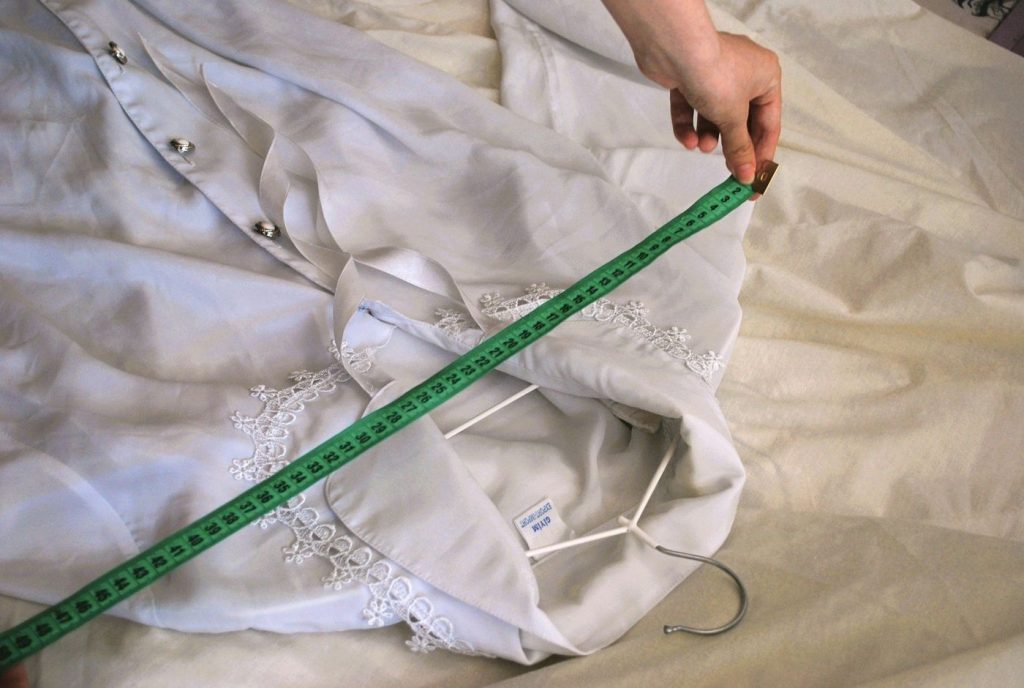
Route 2: a resale or trade-in app inside Shopify
Several providers in the Sustain 20 directory sell software that adds resale, trade-in or both to an existing Shopify store. Your team still handles the items, but the app handles the customer journey, credit and listings. These are the published plans we found:
| Provider | What it adds to Shopify (as described by the provider) | Published entry price | Volume in the entry plan |
|---|---|---|---|
| Weloop | Resale and trade-in on your existing product pages, with new and pre-owned versions side by side; coupon codes sent when you validate a trade-in. Repair and a customer marketplace marked “coming soon”. | $39 a month on the Shopify App Store (Weloop’s own pricing page shows $49), 30-day free trial | 10 active listings and 10 trade-ins a month |
| Tern | Trade-in with your own rules and values (fixed, % of retail price or by condition), automatic rewards via Shopify discount codes and gift cards; the higher plan adds automated resale relisting and restocking against the original SKU. | $299 a month for trade-in, $499 for trade-in plus resale, 30-day free trial | 100 trade-in orders a month (200 on the resale plan), then $3.00 or $2.50 per extra order |
| Supercycle | Resale of individually serialised items (each with its own condition and history), alongside rental, subscription and membership; works on the online store and Shopify POS. Trade-in listed as “coming soon”. | $100 a month plus 1% per transaction, 14-day free trial | No item cap stated |
| Diatome | Resale of your own returns and end-of-line stock, buy-back for a gift card, and a customer-to-customer marketplace, with new and second-hand items in one basket. | Four plans from €0 to €599 a month, 14-day free trial; commission on customer-to-customer sales | Quota of items and buy-backs per plan (not published per plan) |
Two details are worth checking before you install. First, entry plans are built for small volumes: Weloop’s cheapest plan covers 10 listings, while Tern’s starts at 100 trade-ins, so compare the cap with your realistic monthly flow. Second, listings move: on 25 November 2026 Diatome’s Shopify App Store page said the app was “not currently available” there, while Diatome’s own FAQ says it configures the integration for you in about an hour on Shopify. Ask any provider how it installs and what happens to your data if you leave.
Route 3: a managed partner that runs resale for you
If your bottleneck is hours rather than budget, a managed partner takes over the physical work. create2STAY says it handles shipping to its warehouse, cleaning and quality control, photography and listing on your webshop, order handling, shipping and returns. Its Shopify app is free to install, with shipping labels paid by the brand on its own freight agreements, and its pricing is a fixed subscription based on your resale revenue plus a per-item service fee, with full figures in a tailored business case.
Birl focuses on damaged, returned and unsellable stock: you send the items, and Birl says it handles triage, cleaning and repair, listing and sale through resale channels before returning revenue to you. It also offers managed trade-in.
For a small brand, the question is whether your volume justifies a subscription plus per-item fees. Ask each partner for a minimum volume and a worked example on your own prices. If most of your second-hand stock is returns, our guide on how to grade, repair and resell damaged returns covers what to sort before anything leaves your warehouse.
Route 4: let customers sell to each other on your store
Peer-to-peer resale means you never own or store the items. Diatome describes how this works in its FAQ: sellers ship directly to buyers through its partner carriers across Europe, Diatome handles payments and notifications, the seller is responsible for the accuracy of the listing, and a mediation process covers disputes. Diatome charges a commission on these sales, lower on higher plans.
The model suits brands whose customers already resell them elsewhere. The work moves from handling items to setting rules. If you open a marketplace on your site, also ask who acts as the platform operator for tax reporting; our resale partner guide explains the EU DAC7 rules and the margin scheme for second-hand goods.

Which route should you start with?
| Your situation | Start with | Why |
|---|---|---|
| A few returns and samples a month, no budget for software | Route 1: pre-loved collection | No fixed cost; tests whether your customers buy second-hand from you |
| Loyal customers you want to bring back | Route 2: a trade-in app paying in store credit | Credit can only be spent with you, so every trade-in sets up a new order |
| A steady flow of returns but no time to process them | Route 3: managed partner | The partner does the handling; you approve rules and prices |
| Customers already resell your pieces elsewhere | Route 4: peer-to-peer | No stock risk; you bring that activity onto your own site |
Routes can be combined later: a pre-loved collection first, a trade-in app once you know second-hand sells, a partner when volumes grow.
Set-up checklist before your first pre-loved sale
- Write down condition grades. Three or four grades with a sentence and a reference photo each are enough. Use them in every listing.
- Describe flaws specifically. Under the EU Sale of Goods Directive, the seller is liable for a lack of conformity that becomes apparent within two years of delivery. For second-hand goods, Member States may allow seller and consumer to agree a shorter period of not less than one year. A specific flaw is not a lack of conformity if the consumer was specifically informed about it and expressly and separately accepted it when buying, so a clear flaw note in the listing matters.
- Decide your pricing rule. For example a fixed percentage of the original retail price per grade, so pricing does not need a decision for every item.
- Set your trade-in reward. Store credit, a discount code or a gift card, and whether you issue it on receipt or after inspection.
- Decide what happens to items you cannot sell. Repair, donation or recycling, recorded per item. Our guide on setting up a take-back programme covers sorting and destinations.
- Check your claims. Describe what the programme does in factual terms rather than general environmental claims; see our green claims guide.
What to measure in the first 90 days
Track items listed and sold, days to sell, second-hand price as a share of the original price, hours per item and, for trade-in, how much store credit is redeemed and what customers spend on top. After 90 days you will know which products hold their value and whether the next step is a bigger plan, a managed partner or staying small.
Frequently asked questions
Can a small brand offer resale on Shopify without an app?
Yes. You can sell returns, samples and traded-in pieces as a separate pre-loved collection, list each piece individually with its condition, and issue trade-in rewards manually using Shopify’s built-in store credit. It works for low volumes but every step is manual.
How much does a Shopify resale app cost?
As of 25 November 2026, published entry prices ranged from $39 a month (Weloop on the Shopify App Store, 10 listings) and $100 a month plus 1% per transaction (Supercycle) to $299 a month for trade-in and $499 for trade-in plus resale (Tern). Diatome lists four plans from €0 to €599 a month. Managed partners such as create2STAY quote a subscription plus a per-item fee.
What is the difference between a resale app and a managed resale partner?
A resale app adds the technology to your store, while your team checks, photographs, lists and ships the items. A managed partner also does that physical work, usually for a per-item fee.
Does Shopify store credit work for trade-in programmes?
It can. Shopify lets you issue store credit to a customer account, spendable at checkout by signed-in customers on the online store, Shopify POS or Shop. Customers must apply their full balance, and stores created on or after 12 May 2025 pay third-party transaction fees on the store credit amount.
Do second-hand items need a guarantee in the EU?
Yes. The EU Sale of Goods Directive covers second-hand goods sold by a business to a consumer: two years of seller liability, although Member States may allow a shorter agreed period of at least one year. Flaws the customer was specifically told about and expressly accepted are not a lack of conformity.
Which products should a small brand resell first?
Start with your most durable, best-selling products in their most common sizes, because they are easiest to grade and sell. Track how fast they sell and at what share of the original price before you add more.
Sources
- Shopify Help Center, Store credit, accessed 25 November 2026.
- Google Merchant Center Help, Condition [condition], accessed 25 November 2026.
- EUR-Lex, Directive (EU) 2019/771 on contracts for the sale of goods, Articles 7(5) and 10(1) and 10(6).
- Shopify App Store listings, accessed 25 November 2026: Weloop Recommerce for Fashion, Tern Trade-in, Supercycle, create2STAY, Diatome.
- Company pages, accessed 25 November 2026: Weloop, Supercycle pricing, Diatome FAQ, create2STAY, Birl.
Related on SUSTAIN20™: How to choose a resale partner · Repair vs resale vs recycling · How to grade, repair and resell damaged returns · What to do with unsold clothes · Branded resale and trade-in platforms · Best resale platforms in Europe · Supercycle alternatives · Resale
Header image: Photo: Vitaly Gariev / Unsplash
